Automate LinkedIn Comments Without Getting Banned

Absolutely. You can use AI-powered tools to automate your LinkedIn comments, and when done right, it's a game-changer. These tools analyze posts and generate comments that sound genuinely human. The whole point is to save you a massive amount of time while scaling up your engagement, making sure you’re part of key conversations without having to live on the platform. Think of it as strategic interaction, not spam.
Why Smart Comment Automation Is Worth It
Look, everyone knows automation saves time. That’s the obvious part. But the real magic is in how it lets you strategically show up in important industry conversations around the clock, even when you’re not actively scrolling your feed.
Imagine your dream client or a major industry player posts something brilliant. A well-configured automation tool can drop a thoughtful, relevant comment within minutes. This gets your name in front of them while the post is still getting traction, positioning you as an expert who's paying attention. That kind of consistent, timely engagement keeps you top-of-mind with the exact audience you want to attract.
This isn’t about spamming "Great post!" everywhere. That’s just noise and it helps no one. Smart automation is about programming your digital self to engage with real intention. It’s about adding actual value and sparking conversations that lead to real networking opportunities and warm leads.
The Strategic Edge Over Manual Engagement
Let's be honest: manually commenting is slow and inconsistent. It’s entirely dependent on your schedule and energy. You might catch a few good posts, but you’re guaranteed to miss dozens more. This is where a strategic automated approach completely changes the game.
It's still a numbers game, but it's one where quality wins. And the data backs this up. As of 2025, more than 85% of companies globally are using LinkedIn automation tools to connect with people. With 40% of B2B marketers saying LinkedIn is their most effective channel, automation has shifted from a nice-to-have to a competitive must-have. You can read more about LinkedIn automation trends to see the full picture.
The goal here is to shift your engagement from a reactive, time-draining chore into a proactive system that generates opportunities. You're not just saving time; you're building a scalable engine for your visibility.
Manual vs Strategic Automated Commenting
To really see the difference, it helps to compare the day-to-day effort against the results you can expect. One method relies on pure manual labor, while the other is all about strategic oversight.
| Metric | Manual Commenting | Strategic Automation |
|---|---|---|
| Time Investment | 1-2 hours daily of active scrolling and typing. | 15-30 minutes daily for review and optimization. |
| Consistency | Inconsistent, dependent on your daily schedule and energy levels. | Consistent daily activity, operating even when you're offline. |
| Reach & Visibility | Limited to posts you happen to see in your feed. | Broad, targeted reach across specific hashtags, influencers, and keywords. |
| Lead Generation | Unpredictable and often accidental. | Creates a predictable flow of inbound profile views and connection requests. |
| Scalability | Not scalable; more engagement requires more hours. | Highly scalable; can engage with hundreds of relevant posts weekly. |
Ultimately, it comes down to a choice: do you want to be a participant in a handful of conversations, or do you want to be a consistent presence in all the conversations that matter for your brand and career? That's the power of automating your LinkedIn comments the right way.
Alright, let's get into the nitty-gritty of building your comment automation engine. We've talked about the why, so now it's time for the how. The real goal here isn't just to automate; it's to find that perfect balance between authentic human interaction and smart, time-saving efficiency.
Think of it as creating a system that can intelligently engage on your behalf, showing up in the right conversations even when you're not at your keyboard.
Building Your Comment Automation Engine
First things first, you need to pick your tool. This isn't a one-size-fits-all decision, and the market is flooded with options that vary wildly in quality, safety, and just how easy they are to use.
I've found that simpler is often better. A tool like EngageKit, for example, is a Chrome extension. That means the setup is quick, and more importantly, it runs locally from your browser. This is a huge deal for mimicking real human behavior and staying under LinkedIn's radar.
Choosing Your Automation Tool
When you’re kicking the tires on different tools, here's what really matters:
- How good is the AI? Can it actually understand the context of a post and add something valuable, or is it just spitting out generic one-liners like "Great post!"? The best tools analyze the content and draft comments that are genuinely relevant.
- What are the safety features? This is non-negotiable. Look for controls that let you set daily comment limits and, crucially, randomize the timing between comments. Without these, you're asking for trouble.
- How painful is the setup? If you have to spend hours configuring a tool, it kind of defeats the purpose of saving time, right? An extension-based tool is often the path of least resistance.
Once you’ve made your choice, getting it installed is usually a breeze. It's typically just a matter of adding the extension and giving it the permissions it needs to see and interact with your LinkedIn feed. Just be smart about it—only use tools that ask for the minimum permissions necessary to get the job done.
This whole process is about shifting from doing everything manually to being more strategic with your time.
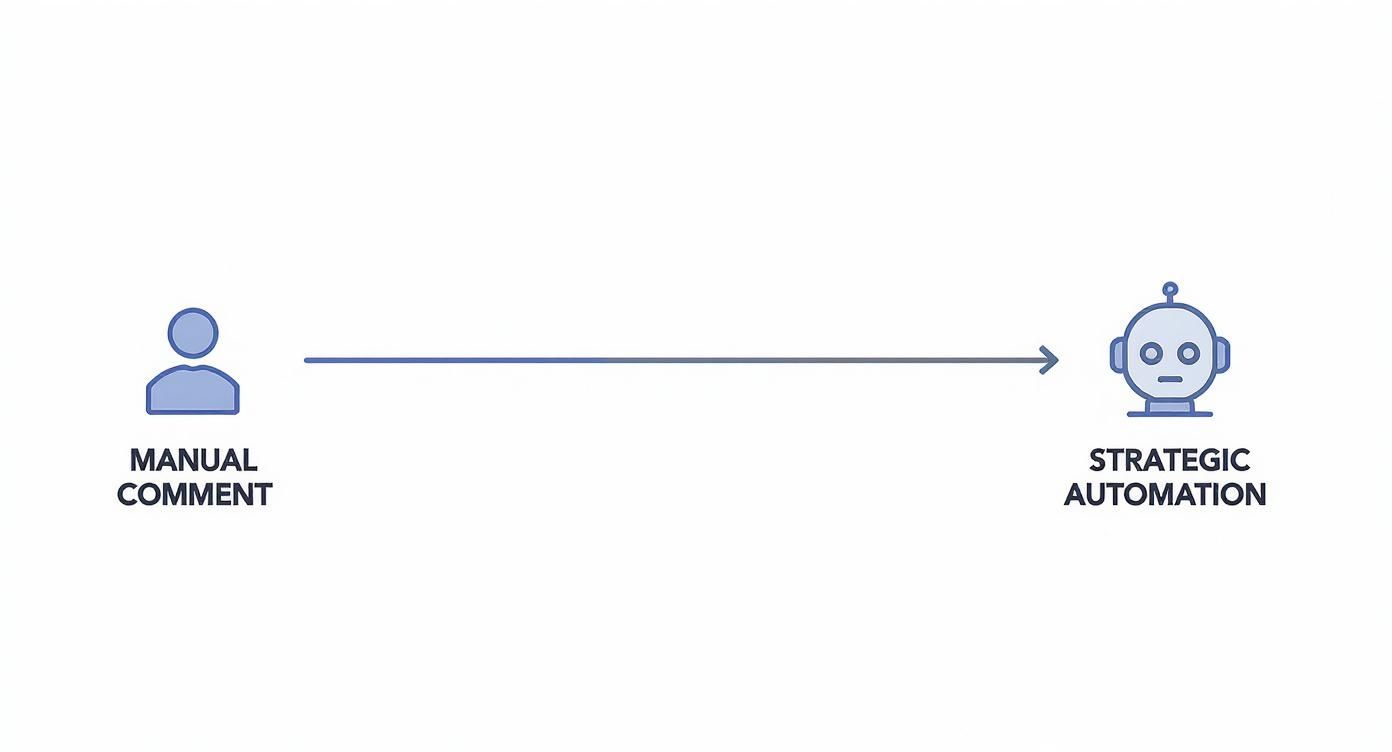
Automation isn't about replacing you. It's about giving you the leverage to show up in more of the right conversations, more consistently.
Configuring Smart Filters for Precision Targeting
This is where the real magic happens. Anyone can set up a bot to spam comments everywhere. That’s just noise. What we're doing is creating a targeted networking machine. Smart filters are what ensure your comments land on posts where your expertise shines and your ideal customers are actually hanging out.
A good tool will let you get super specific. Here’s how I think about setting up filters to get the biggest bang for my buck:
- Keywords & Hashtags: Start with the basics. List out the core topics and hashtags in your niche. If you’re in SaaS marketing, you’d target things like
#B2BSaaS,#productledgrowth, or keywords like "customer acquisition." This puts you right in the middle of the conversations that matter. - Influencers & Companies: Who are the big voices and key companies in your industry? Make a list and tell your tool to engage with their content. This is a fantastic way to get your name and insights in front of their massive, pre-built audiences.
- Negative Keywords: This is just as important as telling the tool what to target. You need to tell it what to avoid. I always add negative keywords like "hiring," "job," "congratulations," or "politics" to prevent the tool from dropping an awkward or totally irrelevant comment.
The power of a good filter is that it transforms your automation from a shotgun blast into a sniper rifle. You're not just commenting more; you're commenting on the right posts, every single time.
Setting a Natural Cadence and Daily Limits
The last piece of the setup puzzle is critical: making your automation look human. No real person fires off 50 thoughtful comments in 30 minutes flat. If you want to keep your account safe for the long haul, you have to mimic natural engagement patterns.
Any reputable tool will have safety controls built-in, but you have to configure them wisely. For a healthy, active LinkedIn account, a good starting point is somewhere between 20-40 comments per day. If your account is newer or you haven't been very active, dial it back. Start with 10-15 per day and slowly ramp it up over a couple of weeks.
Beyond the raw daily number, the cadence is everything. Make sure the tool is set to randomize the time between comments. A setting that posts a comment every 5-15 minutes looks infinitely more natural than one that posts on the dot every 60 seconds. This subtle variability is what separates smart, safe automation from a spammy bot that's going to get you flagged.
Dial in these settings, and your automation engine will hum along quietly in the background, building your presence without ever raising a red flag.
Teaching Your AI to Sound Like You
Getting the tech set up is one thing. The real magic happens when you turn a generic AI into your digital twin—making sure every comment it posts sounds exactly like you. This is where we move from basic automation to smart, strategic engagement.
The whole point is to make your automated comments so authentic that no one can tell the difference. It takes a little work upfront to nail down your tone, but trust me, it’s the most critical part of making this strategy work long-term.
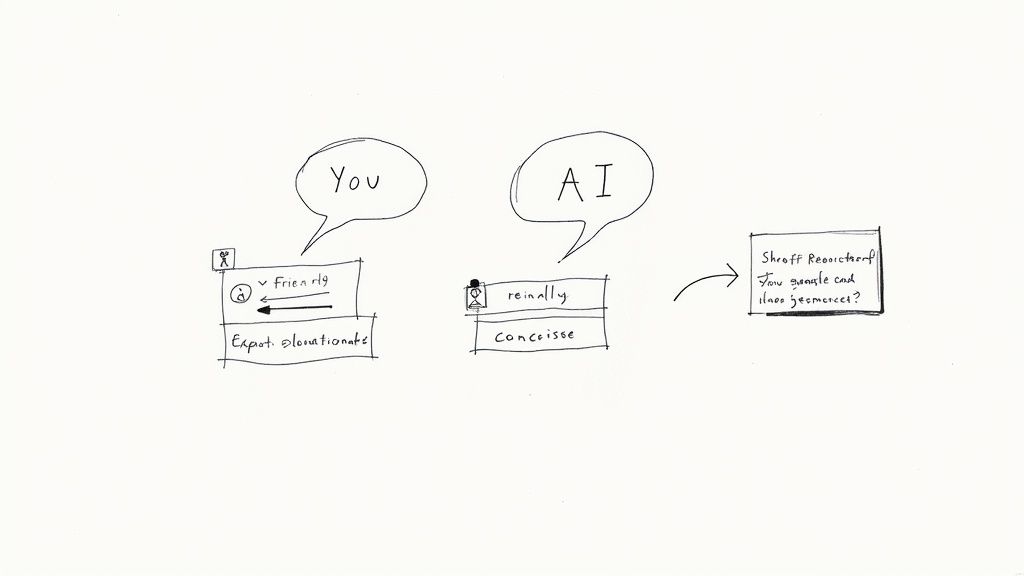
This is all about giving your AI really clear directions—what the pros call prompt engineering. You give it detailed instructions, and it gives you high-quality, personalized comments back.
Defining Your Unique Voice and Tone
Before you even think about writing prompts, you have to define the personality you want the AI to mimic. Are you the witty contrarian? The supportive mentor? The data-obsessed analyst? The AI needs to know who it’s supposed to be.
I find it helps to jot down a few adjectives that describe your communication style. For instance, your voice might be:
- Professional yet approachable: You know your stuff but don't use jargon just for the sake of it.
- Inquisitive and curious: You’re always asking thoughtful follow-up questions.
- Data-focused and insightful: You love backing up your points with a good stat or tangible proof.
- Concise and direct: No fluff. You get right to the point.
This definition becomes the bedrock of every instruction you give the AI. It’s the "act as a..." part of your prompts that gives it a personality. The more specific you are here, the more human the comments will feel.
The Power of Advanced Prompt Engineering
Generic prompts get you generic comments. We’ve all seen them: the dreaded "Great post!" or "Thanks for sharing!" It’s the calling card of lazy automation, and it does more harm than good. To actually add value and start real conversations, your prompts need to be specific and action-oriented.
That’s what prompt engineering is all about. Instead of just telling the AI to "comment on this post," you give it a role, a task, and a goal. Suddenly, the AI isn't just a responder; it’s a strategic contributor to the conversation.
It's not just a nice-to-have anymore. A 2025 industry report points out that highly personalized, AI-driven interactions get consistently higher connection and response rates. If you want a real ROI, this is how you get it. You can discover more about the impact of AI in the latest benchmark report.
Battle-Tested Prompts for High-Value Comments
To get you started, here are a few prompt frameworks I've used that consistently generate thoughtful, engaging comments. Think of them as templates you can tweak with your own voice and expertise.
1. The "Add a Counterpoint" Prompt
This one is great for positioning yourself as a critical thinker who can see all sides of an issue.
Prompt: "Act as a B2B marketing strategist with a slightly contrarian viewpoint. Read the following post and respectfully challenge its main argument by presenting an alternative perspective or a potential pitfall the author might have overlooked. Keep the tone constructive and professional."
2. The "Ask a Follow-Up Question" Prompt
This is easily one of the best ways to spark a real conversation. It proves you’ve actually read the post and are curious to hear more.
Prompt: "Act as a curious startup founder. Summarize the single most important takeaway from this post in one sentence. Then, ask a specific, open-ended follow-up question that encourages the author to elaborate on a key detail."
3. The "Share a Relevant Insight" Prompt
With this prompt, you’re adding direct value by connecting the post to your own experience, which subtly reinforces your authority on the topic.
Prompt: "Act as an experienced project manager. Based on the attached post about team productivity, share a brief, one-paragraph anecdote from your own experience that reinforces the author's main point. End by complimenting the author on their insight."
These are just jumping-off points. The real goal is to build a library of prompts that fit different scenarios—from commenting on industry news to weighing in on personal stories. Play around with different roles, tones, and tasks to see what resonates. This systematic approach is what makes your efforts to automate LinkedIn comments both efficient and genuinely effective.
How to Avoid Getting Your Account Flagged by LinkedIn
https://www.youtube.com/embed/B4OhuzwLc9o
Let's get right to the big question: Is this safe? You can't just fire up an AI tool and let it run wild on your LinkedIn profile. LinkedIn's entire platform is built on human connection, and they're incredibly protective of that. Their systems are designed to sniff out and shut down anything that looks robotic, spammy, or overly aggressive.
Ignoring the rules is the quickest path to getting your account restricted or, in a worst-case scenario, banned for good. The trick isn't to avoid automation entirely; it's to use it so intelligently that your activity is virtually indistinguishable from a real, highly engaged person.
Think of it like this: your automation tool is a high-performance car. It can get you to your destination much faster, but you still have to obey the speed limits and stop at red lights. Driving recklessly will get you pulled over, and the same principle applies here.
The Unwritten Rules of Smart Automation
Sure, LinkedIn's official User Agreement explicitly prohibits using software to automate activity or scrape data. But let's be realistic—a huge number of the platform's top creators and networkers use tools to manage their presence.
The platform's enforcement doesn't target all automation; it targets activity that ruins the user experience. We're talking about spam, scams, and impersonal, high-volume outreach.
To stay in the clear, your automated activity has to feel authentic. That means no more generic "Great post!" comments, no bizarre spikes in activity from zero to a hundred overnight, and no predictable, machine-like patterns. The goal is to fly under the radar by mimicking natural human behavior at every step.
This is where having a "content-first" mindset is crucial. LinkedIn's algorithm actively penalizes what it sees as robotic behavior. By focusing on creating good content yourself and then automating engagement with people who interact with it, your outreach feels earned and welcome. If you want to dive deeper, there's a lot to learn about safe growth strategies that are working right now.
Set Realistic Daily Comment Limits
One of the biggest red flags you can wave at LinkedIn is a sudden, dramatic increase in your activity. If you typically leave a few comments a week and suddenly start posting 100 a day, you're practically screaming, "I'm using a bot!"
Your daily limits should be directly tied to your account's age, history, and overall activity level.
- New or Less Active Accounts: Is your account under a year old, or do you have a history of being pretty quiet? Start slow. I mean really slow. Stick to 10-15 comments per day for the first few weeks to warm up your account.
- Established and Active Accounts: If you have an older profile, a solid network, and a history of regular engagement, you can comfortably operate in the 25-40 comments per day range.
- Power Users (with Premium/Sales Navigator): For those with highly active, premium accounts, you might be able to push toward 50-60 comments daily. But even then, you need to ramp up to this level gradually, not all at once.
Here's the key takeaway: These are not targets you need to hit. They are absolute ceilings you must respect. Consistency is far more important than volume. Posting a steady 30 comments every single day is infinitely safer than blasting out 100 on Monday and going silent for the rest of the week.
Randomize Everything to Look Human
People are wonderfully inconsistent. We don't post comments at perfect five-minute intervals. We get distracted, take coffee breaks, and jump between tasks. Your automation tool absolutely must replicate this natural randomness to avoid tripping LinkedIn's alarms.
A high-quality tool like EngageKit will give you the controls to bake in this variability. Here’s exactly what you need to set up:
Randomized Timing: Don't just set a fixed delay. Configure a wide window for the time between each comment. For instance, instead of posting every 5 minutes on the dot, set it to post every 5-15 minutes. This simple adjustment makes your activity pattern look far more organic.
Varying Sentence Structure: Rely on multiple prompt templates. If every single comment you post starts with "I completely agree..." or ends with a question, it creates a very obvious, detectable pattern. Mix up your prompts so the AI generates comments of different lengths, tones, and structures.
Scheduled Downtime: No one is on LinkedIn 24/7. This is a dead giveaway. Schedule your automation to run only during your typical waking or business hours. Setting "off-hours" at night and on weekends is one of the strongest signals you can send that a real person is behind the keyboard.
Alright, let's get this done. Setting up your automation is just the starting line. If you're not keeping score, you're just guessing. Automation without measurement is a bit like shouting into the wind—you're making noise, but you have no idea who's hearing it or if they even care.
The real strategy comes from digging into the data, seeing what's resonating, and tweaking your approach. Forget about counting the likes on your comments. We're looking for numbers that actually signal genuine interest and open the door to real opportunities.
What You Should Actually Be Tracking
You don't need some fancy, over-the-top dashboard for this. Honestly, a simple spreadsheet is all it takes to monitor the handful of metrics that truly move the needle.
Here’s what I keep my eye on:
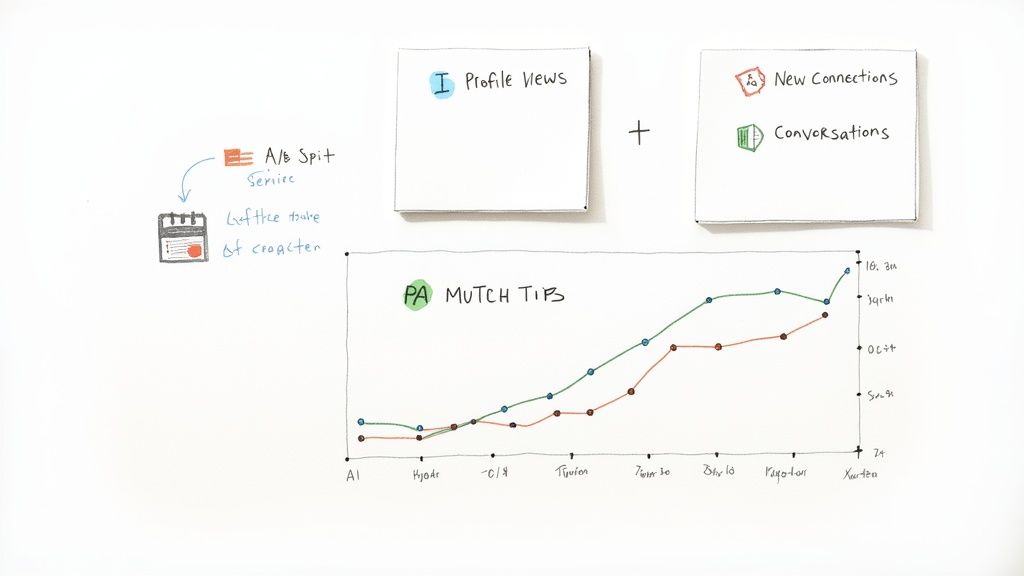
- Inbound Profile Views: This is your first and most important signal. When you see a jump in profile views, it means your comments are grabbing attention. People are curious enough to stop scrolling and click on your name to find out who you are. It’s the first sign that your visibility is on the rise.
- New Connection Requests: This is where things get interesting. Someone saw your comment, checked you out, and now they want to connect. That’s a powerful indicator. The key here is to look at who is sending the request. Are they the people you actually want to talk to?
- Conversation Starters: The ultimate win. This is when your comment sparks a reply or, even better, a DM that kicks off a genuine conversation. This is where networking happens, where relationships are built, and where potential leads are born.
My Take: The power of tracking is that it turns your automation from a "set it and forget it" task into a predictable growth machine. You start seeing a direct line between the comments you leave and the DMs you receive.
By keeping a weekly pulse on these numbers, you’ll quickly spot what’s working. Maybe you'll notice that commenting on posts from marketing VPs always drives a spike in high-quality connection requests. That’s your cue to find more of those conversations and double down.
A Simple System for Getting Better Results
Once you have a week or two of data, you can start fine-tuning. Think of this as running small, controlled experiments to make your automation smarter every single week.
The easiest way to do this is with some simple A/B testing. For one week, try using comment prompts that focus on asking insightful questions. The next week, switch to prompts that share a quick, relevant personal story. Compare the KPIs from both weeks, and the data will tell you which style connects better with your target audience.
Here’s a practical way to think about tracking your return on investment.
Tracking Your Comment Automation ROI
This table breaks down the key metrics to monitor, what they're telling you, and how you can nudge them in the right direction.
| Metric | What It Measures | Optimization Goal |
|---|---|---|
| Profile View Rate | The percentage of your comments that result in someone clicking your profile. | Increase this by writing better hooks in your comments and targeting more active, engaged conversations. |
| Connection Acceptance Rate | The quality and relevance of the new connections you're making. | Improve by tightening your targeting filters to focus on posts from your ideal customer profile. |
| Reply Rate | How many of your comments get a direct reply from the original poster or others. | Boost this by testing different AI prompts and tones. Try switching between an analytical tone and a more inquisitive one. |
This isn't a one-time setup. It's a continuous cycle: track, analyze, then optimize. This constant feedback loop is what separates the people who get real results from those who just create noise. It ensures your automated engagement is not only consistent but is constantly improving, driving better outcomes week after week.
Common Questions About LinkedIn Comment Automation
Dipping your toes into LinkedIn automation always brings up a few questions. It’s smart to be a little skeptical and get your facts straight before you dive in. This section cuts through the noise and gives you direct answers to the most common concerns, building on the best practices we've already covered.
Think of this as your go-to guide for getting comment automation right—safely and effectively.
Is Automating LinkedIn Comments Actually Safe?
Yes, it is—as long as you’re smart about it. The whole trick is to make your automation look and feel like genuine human activity. LinkedIn's algorithms are on the hunt for spammy, high-volume, robotic behavior, not thoughtful and consistent engagement.
When you use a quality tool that runs locally from your browser, mixes up the timing between comments, and stays within reasonable daily limits, your activity is pretty much indistinguishable from a real person. The danger isn't the automation itself; it's using it carelessly. Blast out 100 generic comments in an hour, and you’re basically asking for your account to get flagged. But post 30 insightful comments spread throughout the day? You're just being a highly efficient networker.
How Many Comments Should I Automate Per Day?
This is probably the most important question, and the answer isn't one-size-fits-all. It really hinges on your account’s age, history, and overall activity level. While there’s no single magic number, there are some solid guidelines to keep you in the clear.
- Newer or Less Active Accounts: Start slow and steady. Aim for 10-15 comments a day for the first few weeks. This helps "warm up" your account without raising any red flags.
- Established, Active Accounts: If you're already posting and engaging regularly, a range of 25-40 comments per day is a perfectly safe and effective ceiling.
- Power Users (especially with Premium): You can likely push this a bit further, maybe toward 50-60 comments daily, but you have to build up to that level gradually over time.
Key takeaway: Consistency is far more important than volume. A steady, natural rhythm of engagement will always be safer and more effective than sudden, intense bursts of activity.
Will My Comments Sound Generic or Robotic?
They absolutely will if you use a basic tool or write lazy prompts. The gap between a comment that adds real value and one that screams "BOT!" is all about the quality of the AI and how specific your instructions are.
To get comments that sound like you, you have to go beyond simple commands. Don't just tell the AI to "comment on this post." Instead, give it a personality, a tone, and a clear goal.
For instance, a prompt like, "Act as a seasoned SaaS marketer. Read this post about customer churn and share a short, one-sentence insight from personal experience that builds on the author's main point," is going to generate something way more authentic than a generic instruction. The quality of what you get out is a direct result of the quality of what you put in.
What Kind of Tool Should I Use?
Your best bet is almost always a lightweight Chrome extension that works directly within your browser. This is a huge safety advantage because it means your account isn't connecting to some third-party cloud server that LinkedIn might recognize and flag. It just looks like you, using your own computer.
When you're shopping around for a tool, make these features your priority:
- Runs Locally: It must be a browser extension, not a cloud platform.
- Built-in Safety: Look for customizable daily limits and randomized delays between actions.
- High-Quality AI: The tool needs to be smart enough to understand context and generate truly relevant comments.
- Simple to Use: A clunky, complicated interface defeats the whole purpose of saving time.
A tool with these features gives you all the benefits of automation while keeping the risks incredibly low. It’s all about working smarter to build your presence.
Ready to automate your LinkedIn comments the right way?