Top 7 Tools for LinkedIn Follow-Up Automation
Compare seven LinkedIn follow-up automation tools — features, pricing, and best use cases to find the right fit for your outreach.

LinkedIn follow-up automation tools save you time, improve response rates, and scale your networking efforts. They help manage repetitive tasks like sending messages and scheduling follow-ups, ensuring consistent outreach. The challenge? Keeping messages personal and avoiding robotic interactions. The best tools balance automation with a human touch, offering features like dynamic personalization, multi-step sequences, and analytics. Here are the top 7 tools:
- Dripify: Ideal for sales teams with multi-step campaigns and conditional logic. Pricing starts at $39/month.
- Lemlist: Combines LinkedIn and email outreach with creative personalization options like custom images. Starts at $59/month.
- Expandi: Focused on safety and flexibility with smart sequences. Costs $99/month.
- LaGrowthMachine: Multichannel campaigns with lead enrichment. Pricing starts at $80/month.
- LinkedRadar: A budget-friendly option for startups, starting at $14.90/month.
- Reply: AI-powered multichannel platform starting at $60/month.
- EngageKit: Focuses on manual engagement and approval for personalized interactions. Free plan available.
Quick Comparison
| Tool | Key Features | Starting Price | Best For |
|---|---|---|---|
| Dripify | Multi-step sequences, analytics | $39/month | High-volume LinkedIn campaigns |
| Lemlist | LinkedIn + email, custom visuals | $59/month | Multi-channel outreach |
| Expandi | Conditional logic, safety features | $99/month | Agencies, recruiters |
| LaGrowthMachine | Multi-channel, lead enrichment | $80/month | B2B lead generation |
| LinkedRadar | Basic automation, templates | $14.90/month | Startups, small businesses |
| Reply | AI assistant, multichannel | $60/month | Sales teams, agencies |
| EngageKit | Comment suggestions, manual approval | Free | Relationship-building |
Choose based on your goals, budget, and outreach style. Tools like Dripify and Expandi suit high-volume campaigns, while EngageKit is better for building trust through manual interactions. Test free trials to find the best fit.
How To Get Clients with LinkedIn Automation Tools
1. Dripify
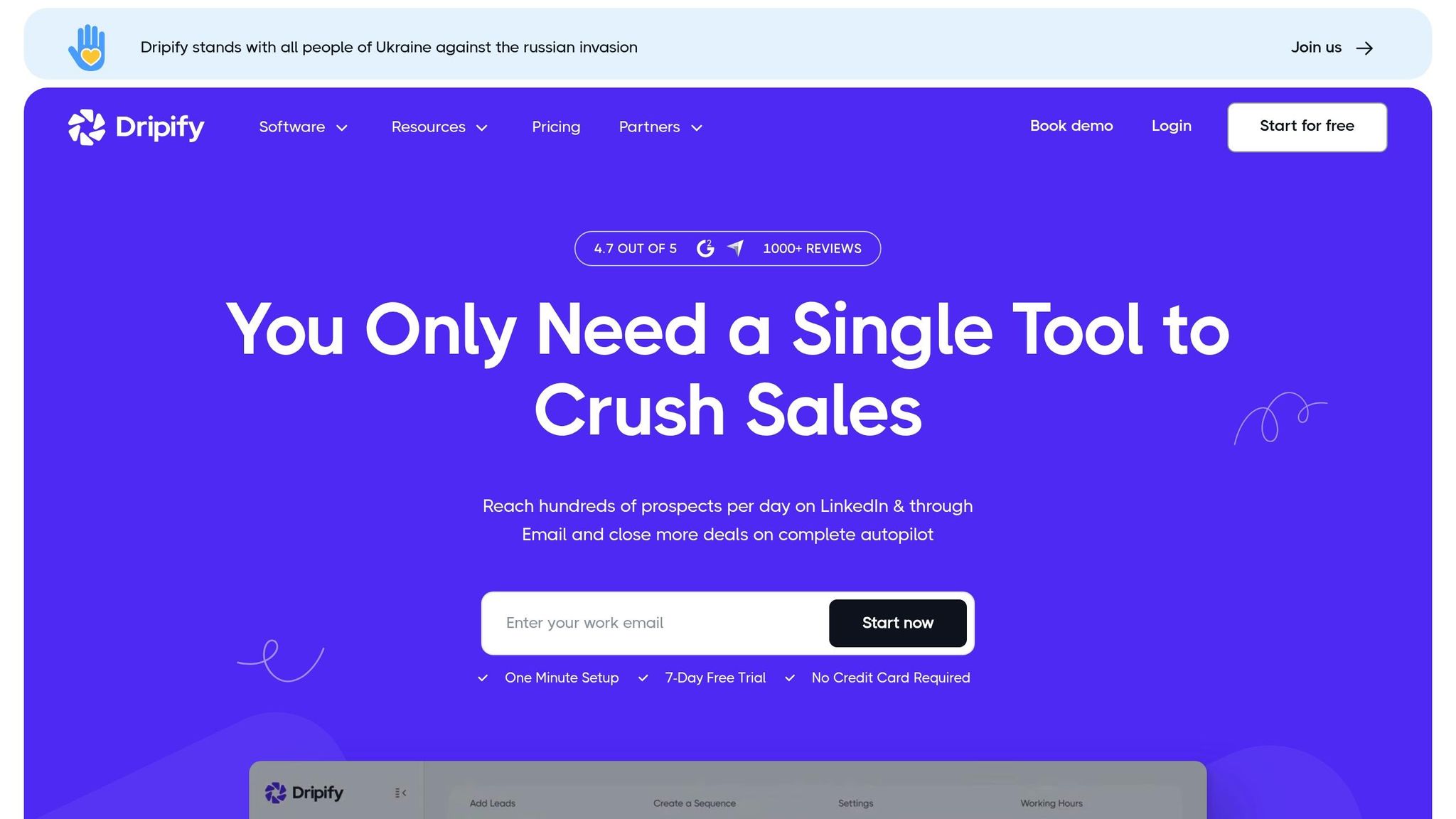
Dripify is a cloud-based tool designed to automate LinkedIn follow-up sequences. Its accessibility across devices makes it a practical choice for professionals managing LinkedIn outreach campaigns.
Follow-up Automation Features
Dripify's standout feature is its drip campaign functionality, which allows you to build multi-step, conditional sequences. For example, after a connection request is accepted, the platform can wait for a specified time before sending a thank-you message, then follow up based on how the prospect interacts with your outreach.
The tool's conditional logic adds flexibility to campaigns. Let’s say a prospect views your profile but doesn’t reply to your initial message - you can set up an alternate follow-up path that adjusts to their behavior. This adaptability ensures your outreach feels tailored, rather than sending the same message to everyone.
For teams, higher-tier plans include collaboration tools, shared templates, and performance analytics. You can track metrics like connection acceptance rates, response rates, and overall campaign effectiveness, giving you a clear picture of what’s working.
Personalization Capabilities
Dripify supports dynamic variables to personalize your messages automatically. You can insert details like a prospect's first name, company name, or job title directly into your outreach. However, avoid over-relying on generic templates - authenticity still matters.
The platform also allows you to create customized campaigns for different audience segments. For instance, you can design separate sequences for prospects based on their industry, job role, or company size. This segmentation lets you address specific challenges or needs, which often performs better than a one-size-fits-all approach.
Pricing
Dripify offers flexible pricing with three main subscription tiers:
- Basic: $59/month or $39/month with annual billing
- Pro: $79/month, which includes advanced features and team management tools
- Advanced: $99/month, unlocking full access to all features and analytics
For agencies managing multiple accounts, there's a custom-priced Agency plan. Plus, all plans come with a 7-day free trial, so you can explore the platform before making a commitment.
Best-Suited Use Cases
Dripify is ideal for sales teams and lead generation professionals handling large-scale LinkedIn outreach. Its user-friendly interface is easy to navigate, even for those new to automation, and the drip campaign builder offers enough flexibility to create complex sequences without feeling overwhelming.
The platform shines for B2B companies targeting specific industries or job roles. If your outreach involves connecting with hundreds of prospects with similar profiles, Dripify’s segmentation and personalization tools ensure your messaging stays relevant. It’s a great example of how automation can help scale your efforts while still maintaining a personal touch.
Dripify holds a 4.5 out of 5 rating on G2, reflecting positive feedback from users who value its balance of automation and customization.
2. Lemlist
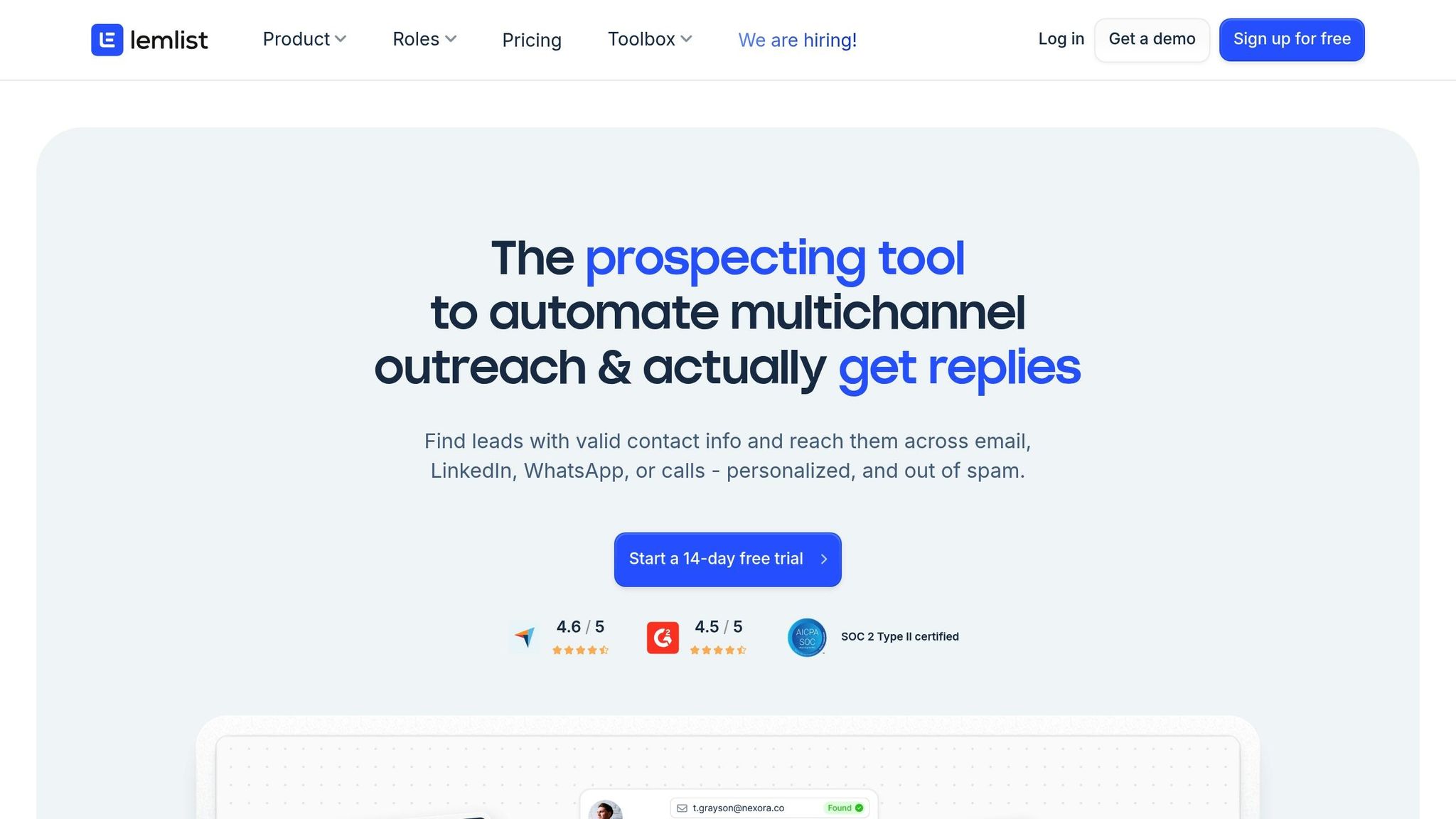
Lemlist stands out as a multi-channel outreach tool that combines LinkedIn and email to streamline follow-up sequences while keeping interactions personal and genuine.
Follow-up Automation Features
Lemlist's strength lies in its multi-channel sequences, allowing you to coordinate LinkedIn and email outreach effectively. For example, you can start with a LinkedIn connection request, follow up with an email if there's no response, and then send a LinkedIn message once the connection is accepted. This balanced approach ensures you stay visible to prospects without overwhelming them on a single platform.
The platform also handles task-based automation to work around LinkedIn's API restrictions. For instance, actions like sending voice notes or leaving comments, which LinkedIn's API doesn't automate, are managed through task reminders. This hybrid approach keeps your workflow smooth and efficient, even with certain limitations.
Additionally, Lemlist includes A/B testing within its sequences. If you're unsure whether a casual or formal tone works better, you can test both and let the results guide your strategy. The platform tracks response rates for each variation, helping you fine-tune your messaging for better engagement.
To complement these automation tools, Lemlist also focuses on personalization, ensuring your outreach feels tailored to each recipient.
Personalization Capabilities
Lemlist offers advanced personalization features, including custom image and video options that allow you to include details such as a prospect's name or company logo. While this is commonly used in email campaigns, it highlights the platform's commitment to making outreach feel individualized rather than generic.
For LinkedIn, Lemlist uses dynamic syntax to create messages that adapt to specific prospect details. This goes beyond basic first-name personalization. For instance, you can craft messages that change based on a prospect's company size, industry, or role. A startup founder might receive a message focusing on growth and agility, while an enterprise executive might see content highlighting scalability and ROI.
Pricing
Lemlist offers four pricing tiers to accommodate different outreach needs:
- Email Starter: $39/month per user – includes basic email outreach.
- Email Pro: $69/month per user – adds advanced personalization and A/B testing.
- Multichannel Expert: $99/month per user – unlocks LinkedIn automation and multi-channel sequences.
- Outreach Scale: $159/month per user – designed for agencies with added team features.
All plans come with a 14-day free trial. Annual billing is standard, though monthly billing is available at a slightly higher cost.
Best-Suited Use Cases
Lemlist is ideal for sales professionals and agencies running coordinated outreach campaigns across LinkedIn and email. Its integrated approach simplifies managing multi-channel strategies, making it easier to keep track of your efforts.
The ability to test and refine messaging across channels is particularly valuable for those in B2B sales, recruiting, or business development. If your focus is solely on LinkedIn, however, the platform's broader multi-channel features might not be necessary. For those who want to engage prospects using multiple touchpoints, Lemlist provides a comprehensive solution to stay organized and effective.
3. Expandi

Expandi is a cloud-based LinkedIn automation tool designed to operate like a human, helping users avoid LinkedIn's restrictions while running outreach campaigns.
Follow-up Automation Features
Expandi works around the clock in the cloud, simulating natural browsing activity to protect your LinkedIn account.
Its smart sequence builder is a standout feature, enabling users to create multi-step follow-up campaigns with conditional logic. For example, you can configure actions based on whether a prospect viewed your profile, accepted your connection request, or replied to your message. If someone accepts your connection but doesn’t respond within five days, Expandi can automatically send a follow-up message tailored to re-engage them.
To maintain a human-like approach, Expandi incorporates time delays and randomization into its actions. This means tasks like connection requests, profile visits, and messages are spaced out and randomized, mimicking real user behavior and reducing the risk of detection.
Expandi also includes campaign analytics, offering insights into every step of your outreach. You can track metrics like connection acceptance rates, message opens, and link clicks. This data helps you pinpoint what’s working and refine your campaigns to improve results.
In addition to automation, Expandi emphasizes personalization, ensuring your messages feel tailored rather than generic.
Personalization Capabilities
Expandi leverages dynamic variables to personalize messages by pulling details directly from LinkedIn profiles. Beyond basics like first names and company names, you can reference specific details such as job titles, locations, schools, or even mutual connections. This makes your messages feel thoughtful and relevant.
The platform also supports image and GIF personalization, allowing you to embed visuals that include the recipient's name, company logo, or profile picture. These customized visuals stand out in inboxes and can significantly boost engagement.
Another powerful feature is webhook integration, which connects Expandi to your CRM or other tools. This allows you to enrich your outreach with additional data, like recent company updates, funding announcements, or published content. By referencing timely and specific details, your messages gain a personal touch that resonates with prospects.
Pricing
Expandi’s pricing is simple and flexible, catering to both individuals and teams.
- Personal Plan: $99/month per seat – includes all core features, unlimited campaigns, and email support.
- Agency Plan: Custom pricing – offers white-label options, bulk seat discounts, and dedicated account management for teams handling multiple LinkedIn accounts.
Both plans come with a 7-day free trial and no setup fees. Features like image personalization and webhook integrations are included in the base price, so there are no hidden costs. Billing is monthly, allowing you to adjust your usage as needed.
Best-Suited Use Cases
Expandi is perfect for B2B sales teams and lead generation agencies aiming to run large-scale LinkedIn campaigns without compromising safety. Its cloud-based setup is especially useful for teams managing multiple accounts or operating across time zones, as it eliminates the need for keeping devices online all the time.
It’s also a great fit for recruiters and headhunters who need to engage passive candidates at scale. The platform’s ability to personalize messages with job-specific details and automate follow-ups ensures consistent communication without requiring constant manual input. For those reaching out to hundreds of prospects weekly, Expandi’s analytics and conditional sequences provide the tools to track, refine, and optimize outreach efforts effectively.
4. LaGrowthMachine
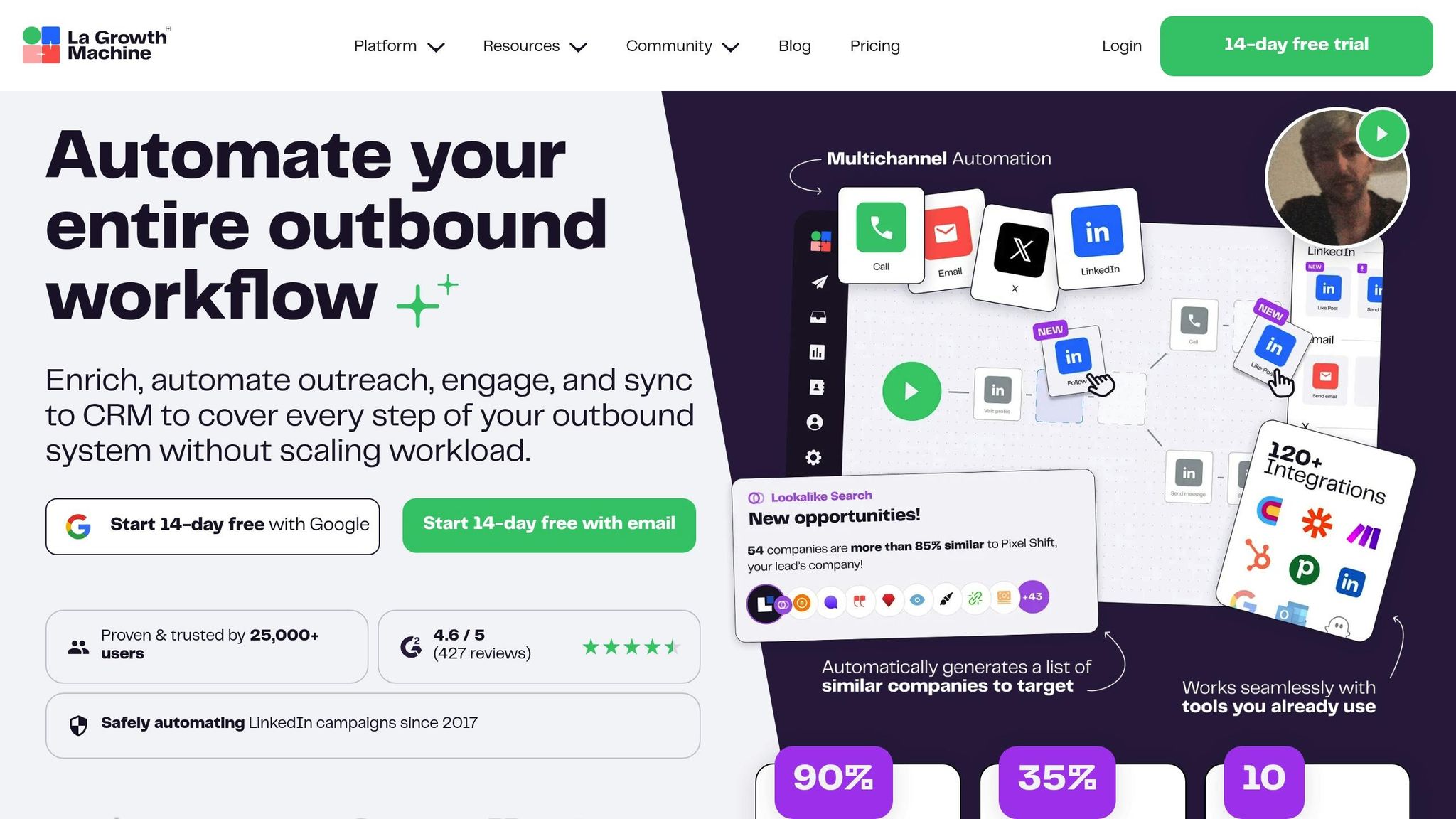
LaGrowthMachine is a cloud-based outreach tool designed to help you generate leads and engage prospects across LinkedIn, email, and Twitter. By connecting with prospects on the platforms they use most, it creates a well-rounded engagement strategy. Its multichannel approach ensures that follow-ups are smarter and more targeted.
Follow-up Automation Features
This tool simplifies follow-ups by automating multichannel campaigns. For example, if a LinkedIn message goes unanswered, LaGrowthMachine can automatically send a follow-up email or Twitter message. It also enriches your leads by gathering missing contact information and other relevant data. Plus, its performance tracking helps you identify where engagement may be dropping off.
Personalization Capabilities
LaGrowthMachine takes personalization to another level. Its lead enrichment engine collects key details like company information, job changes, and social activity. With this data, you can craft highly tailored follow-up messages. The tool also allows you to segment prospects by industry, company size, or job title and use dynamic variables to include personalized details in your messages. For added convenience, it integrates with CRMs to keep your outreach aligned with your sales process.
Pricing
LaGrowthMachine uses a subscription model with tiered plans, making it flexible for different team sizes and outreach needs. Pricing depends on the features you select and the number of contacts you plan to target.
What sets LaGrowthMachine apart is its ability to combine multiple communication channels into a unified strategy, offering more versatility than single-channel tools.
Best-Suited Use Cases
LaGrowthMachine shines in scenarios where reaching prospects across multiple platforms is critical. It's especially useful for sales teams and agencies looking to connect with leads who may not be active on LinkedIn alone. B2B companies with longer sales cycles can also benefit from its ability to maintain engagement over time through various touchpoints. Additionally, lead generation agencies can use its segmentation features to tailor campaigns for specific industries or personas. For teams already using a CRM, the tool's seamless integration ensures outreach data fits effortlessly into existing workflows.
5. LinkedRadar

LinkedRadar is a tool designed to automate LinkedIn follow-ups around the clock while mimicking natural user behavior. It uses smart limits and time zone adjustments to ensure your account stays safe from platform restrictions. By running continuous outreach campaigns with a human-like touch, it helps businesses grow their LinkedIn presence efficiently. Let’s dive into what makes this tool stand out.
Follow-up Automation Features
One of LinkedRadar’s standout features is its cloud-based operation. This means your campaigns keep running even when your computer is off, ensuring consistent outreach across different time zones. The tool schedules messages for times when your prospects are most active, boosting the chances of engagement.
To protect your account, LinkedRadar limits daily invites and messages to 100, reducing the risk of triggering spam filters. It also simulates natural behavior by introducing random delays and optimizing activity timing.
Another key feature is its library of message templates, crafted by LinkedIn experts. These templates follow proven strategies to improve response rates and can be customized to match your specific goals. This ensures your outreach feels personal, even when automated.
Personalization Capabilities
LinkedRadar goes beyond generic automation by allowing you to personalize your messages with details specific to each prospect. Whether you’re targeting by industry, audience type, or campaign goals, the tool makes it easy to adjust your messaging for a tailored approach.
The time zone management feature adds an extra layer of personalization, ensuring your messages land when your prospects are most likely to be online. This thoughtful timing can make a big difference in engagement rates.
Pricing
LinkedRadar offers flexible pricing plans, all of which include a 30-day free trial:
- Start Plan: $14.90/month
- Biz Plan: $24.90/month
- Pro Plan: $69.90/month
- Team Plan: $99.90/month
These options make it accessible for entrepreneurs while also catering to larger teams with scalable features.
Best-Suited Use Cases
LinkedRadar is ideal for startups and enterprises aiming to grow their LinkedIn network without spending hours on manual outreach. Its safety features make it a great choice for businesses concerned about avoiding account restrictions while scaling their lead generation.
Both B2B and B2C companies can benefit from this tool. For B2B teams, LinkedRadar helps maintain consistent communication with decision-makers during long sales cycles. Meanwhile, B2C brands can use it for partnership outreach or building connections with influencers.
The cloud-based setup is especially useful for remote teams or businesses operating across multiple time zones. Since it runs independently of your local machine, team members can manage campaigns seamlessly without worrying about keeping their devices on.
6. Reply
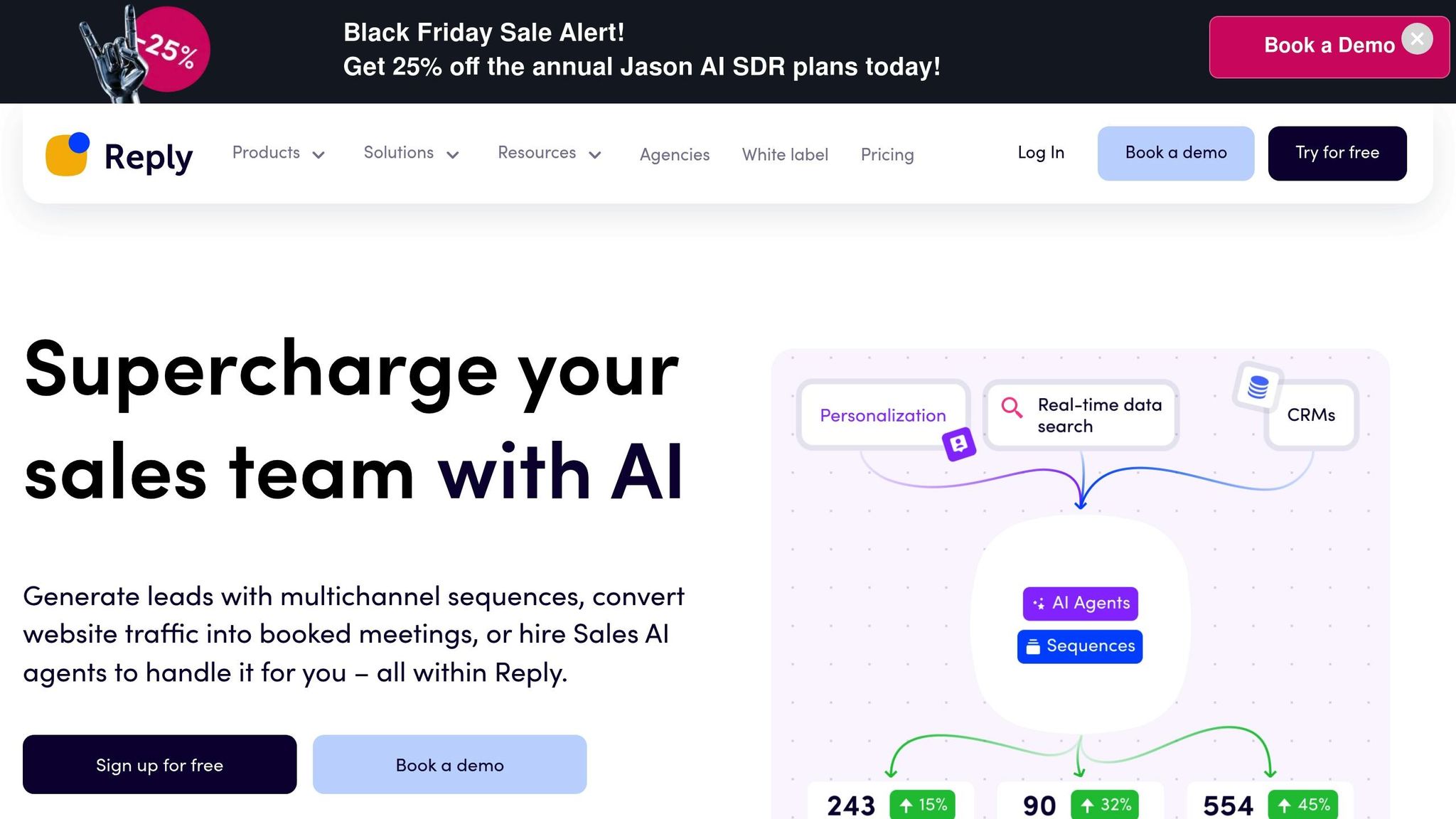
Reply is a multichannel outreach platform designed to streamline LinkedIn follow-ups, email campaigns, phone calls, and SMS - all managed from a single dashboard. With AI-driven tools, it creates messages that feel personal and conversational, saving time and effort.
Follow-up Automation Features
Reply’s AI Assistant helps you craft personalized messages without starting from scratch for every prospect. This feature ensures your outreach feels natural while maintaining efficiency.
The platform’s Web Crawling technology automatically gathers prospect details like email addresses and phone numbers. This eliminates hours of manual research and ensures your follow-up sequences are equipped with the right data to make every interaction tailored and effective.
You can set up sequences that adapt to prospect behavior. For example, if someone doesn’t reply to your LinkedIn message, the system can automatically send a follow-up email after a few days. This keeps your outreach timely and consistent without requiring manual input.
Additional features include email tracking for opens, clicks, and replies, as well as meeting booking links that allow prospects to schedule time directly from your messages. These tools integrate seamlessly with Reply’s personalization capabilities for a smoother outreach process.
Personalization Capabilities
Reply uses triggers to adjust follow-up messages based on how prospects interact with your outreach. For instance, if someone opens your email but doesn’t respond, the system can send a different LinkedIn follow-up compared to someone who hasn’t engaged at all. This dynamic approach makes your messages feel more relevant and timely.
The Web Crawling feature plays a key role in personalization by feeding detailed prospect information - like their company, role, or industry - directly into your sequences. This eliminates the need to manually input data, allowing you to focus on building meaningful connections.
Pricing
Reply’s pricing structure is designed to accommodate various needs, offering flexibility for teams of different sizes and requirements. LinkedIn automation features are available starting at the Professional tier. Here’s a breakdown:
- Free: Includes 200 data credits per month, AI sequence generator, Chrome extension, and data storage.
- Starter: $60/month. Offers 1 mailbox, 1,000 data credits per month, email sequences, basic reports, Pipedrive and HubSpot integrations, and email tracking.
- Professional: $90/month. Includes 2 mailboxes, Jason AI, email warm-up, all Starter features, plus multichannel sequences (including LinkedIn), advanced reports, Salesforce integration, calls and SMS, meeting booking, and triggers.
- Custom: Pricing available through their sales team for tailored needs.
At $90 per month, the Professional plan is well-suited for small to mid-sized teams looking for robust multichannel outreach tools.
Best-Suited Use Cases
Reply is ideal for teams that need to connect with prospects across multiple platforms. If your audience is active on LinkedIn, email, and other channels, Reply simplifies the process of maintaining consistent communication.
B2B sales teams can benefit from combining LinkedIn outreach with email and phone follow-ups. This is especially useful for targeting decision-makers who may miss a LinkedIn message but respond to emails, ensuring no lead falls through the cracks.
For agencies managing outreach for multiple clients, Reply’s agency pricing and automated data extraction make it easier to handle campaigns across different accounts. Its advanced reporting features also provide clear metrics, helping agencies showcase engagement results to their clients across all channels.
7. EngageKit
EngageKit strikes a balance between automation and human oversight for LinkedIn engagement. It helps streamline supportive activities - like suggesting comments and interacting with posts - while keeping you in control by requiring your approval for each action.
This mix of automation and manual input creates a solid base for meaningful follow-ups.
Smarter Engagement for Better Follow-Ups
EngageKit pinpoints relevant content from your target audience using topic searches and custom lists. You can build these lists around your ideal customer profile, and the platform highlights posts that align with your chosen topics. This way, your audience becomes familiar with your thoughtful, approved interactions.
Tailored Personalization
Every interaction is tailored to the individual, as you personally review and approve comments. You can categorize your audience by industry, role, or company size, making your follow-ups feel like a natural continuation of your engagement efforts.
Pricing Options
EngageKit offers a Free Plan, which includes basic features such as automated comment suggestions, visibility boosts, and efficiency tools. This option is great for those new to LinkedIn engagement.
For users looking for more advanced features, the Upgraded Plan builds on the free version with enhanced engagement tools and higher comment limits. Pricing for this plan isn’t listed publicly, so you’ll need to reach out to the EngageKit team to get a custom quote based on your specific needs and engagement volume.
This flexible pricing structure allows EngageKit to fit seamlessly into your broader LinkedIn outreach strategy.
Ideal Use Cases
EngageKit is designed for those who prioritize quality over quantity in their LinkedIn interactions. It’s perfect for consultants, coaches, and service providers aiming to build trust and credibility over time. Content creators, thought leaders, and executives can also use it to enhance their personal branding by engaging meaningfully with their audience.
For sales professionals, EngageKit can complement other outreach tools by helping you maintain consistent engagement. Over time, this steady interaction builds familiarity, making your direct messages feel more natural and well-received. With its focus on thoughtful, human-approved interactions, EngageKit is best suited for professionals who value meaningful connections over high-volume outreach.
Feature and Price Comparison
Picking the right LinkedIn follow-up automation tool boils down to your specific goals, budget, and how much control you want over your outreach efforts. Each platform brings something different to the table, whether it's fully automated workflows or tools designed for more hands-on, human-approved interactions.
Here’s a breakdown of how the seven tools compare:
| Tool | Automation Features | Personalization Options | Starting Price | CRM Integrations | Best For |
|---|---|---|---|---|---|
| Dripify | Multi-channel sequences, auto-follow-ups, A/B testing | Dynamic variables, conditional logic | $39/month | HubSpot, Salesforce, Pipedrive | Sales teams handling high-volume campaigns |
| Lemlist | Email + LinkedIn sequences, automated enrichment | Video personalization, custom images | $59/month | HubSpot, Salesforce, Pipedrive, Zapier | Multi-channel outreach with creative personalization |
| Expandi | Smart inbox, campaign builder, webhook triggers | Custom variables, dynamic content | $99/month | HubSpot, Salesforce, Pipedrive | Agencies managing multiple client accounts |
| LaGrowthMachine | Multi-channel sequences, lead enrichment, identity verification | AI-generated messaging | $80/month | HubSpot, Salesforce, Pipedrive | B2B companies focusing on data-enriched outreach |
| LinkedRadar | Connection requests, message sequences, profile visits | Merge tags, template library | $49/month | Zapier integrations | Small businesses with limited budgets |
| Reply | Email + LinkedIn automation, AI assistant | Smart variables, sentiment analysis | $60/month | HubSpot, Salesforce, Pipedrive, Zapier | Sales teams needing a unified inbox |
| EngageKit | Comment suggestions, visibility boosts, topic searches | Human-approved interactions, custom audience lists | Free (Upgraded plan available) | Not specified | Professionals prioritizing relationship-building over volume |
Key Differences in Features
Automation features vary widely. Tools like Dripify, Lemlist, and Reply are built for fully automated workflows. You can set up campaigns, define triggers, and let them handle follow-ups based on recipient actions. LaGrowthMachine adds an extra layer of automation by enriching lead data before initiating contact.
EngageKit takes a different approach. Instead of automating direct messages, it focuses on engagement automation. You approve suggested comments before they go live, ensuring interactions remain genuine while saving time on content discovery.
Personalization options also differ. Some tools, like LinkedRadar, stick to basic merge tags, while others, like Lemlist, offer more advanced options like video personalization and custom images. EngageKit leans into contextual personalization, with approved comments appearing on posts from your target audience. This builds familiarity and trust before you even send a connection request.
CRM integrations are another point of comparison. Most tools, including Dripify, Lemlist, and Expandi, connect seamlessly with CRMs like HubSpot, Salesforce, and Pipedrive. In contrast, EngageKit doesn’t prioritize CRM connectivity, as its focus is on engagement rather than lead tracking.
Matching Tools to Your Strategy
The best tool depends on your LinkedIn strategy. For high-volume outreach - sending hundreds of connection requests and follow-ups weekly - Dripify or Expandi might be your go-to. If you’re running creative, multi-channel campaigns that combine email and LinkedIn, Lemlist offers the flexibility you need. For companies that value enriched lead data, LaGrowthMachine stands out.
EngageKit is ideal for those who want to build recognition and trust through consistent engagement. By interacting with posts and comments before initiating direct outreach, you create a sense of familiarity. When you eventually send a connection request or message, the recipient is more likely to recognize your name and respond positively.
Time Investment and Trials
Your time commitment is another factor. Fully automated tools like Dripify require upfront setup but little daily involvement. EngageKit, on the other hand, needs ongoing participation - you’ll spend about 10–15 minutes daily approving suggested comments. While this takes more effort, it fosters more authentic and meaningful interactions.
Most platforms offer free trials lasting 7 to 14 days, giving you a chance to test their features before committing. EngageKit provides a permanent free plan, letting you explore its engagement tools without any time limits. You can upgrade later if you need higher comment limits or advanced features.
Conclusion
Picking the right LinkedIn follow-up automation tool comes down to your outreach goals and how you prefer to connect with others. If you're running large-scale campaigns, tools like Dripify or Expandi are excellent choices for handling high volumes. On the other hand, for a mix of LinkedIn and email outreach, Lemlist offers a more personalized approach.
As you weigh your options, think about both your budget and how you like to engage with your audience. Some tools are more budget-friendly for small businesses, while others are packed with advanced features designed for agencies juggling multiple clients.
Automation tends to work best when your audience already recognizes you. Tools like EngageKit focus on human-approved interactions, making your outreach feel more genuine and memorable. By approving interactions before sending connection requests, EngageKit helps build familiarity. When prospects see your name in their inbox, they’re more likely to respond because they already associate you with valuable insights or contributions.
Cloud-based platforms also offer secure and reliable automation. Plus, multi-channel capabilities allow you to send consistent, tailored messages across LinkedIn, email, and beyond, increasing your chances of reaching the right people.
To find the best fit, take advantage of free trials. For example, EngageKit’s free plan doesn’t expire, giving you the freedom to test its features without any time pressure.
Ultimately, the right tool is the one that matches your outreach volume and connection strategy. Look for a platform that not only simplifies follow-ups but also helps you build meaningful, long-lasting relationships.
FAQs
How can I make sure my LinkedIn follow-up messages feel personal and not overly automated?
To make your LinkedIn follow-ups feel more personal, EngageKit puts you in the driver’s seat, letting you approve each interaction individually. Plus, you can customize messages to fit your specific audience or niche, ensuring every follow-up resonates on a personal level.
This strategy helps build stronger connections and boosts the likelihood of getting a positive response. After all, people are more inclined to reply when they sense authenticity in your outreach.
What should I look for in a LinkedIn follow-up automation tool to meet my business goals?
When picking a LinkedIn follow-up automation tool, it's important to consider factors like user-friendliness, cost, and how well it can grow with your business. Also, ensure the tool follows LinkedIn's rules to avoid risking your account.
Look for tools with these key features:
- Personalization capabilities that let you customize messages for stronger engagement.
- Analytics and tracking tools to evaluate performance and refine your strategy.
- Daily outreach limits to control the volume and stay within safe usage practices.
A tool with these features can simplify your LinkedIn follow-up process and help you build stronger, more meaningful professional relationships.
What are some effective ways to integrate LinkedIn follow-up tools with a CRM to improve outreach?
Integrating LinkedIn follow-up tools with your CRM can make your outreach process much smoother and more effective. The first step is to confirm that the tool you’re using works with your CRM or offers an API for custom integration. This connection lets you sync contact details, track interactions, and keep all your lead information in one place.
When you set up the integration, prioritize automating repetitive tasks like updating lead statuses or logging LinkedIn messages directly into the CRM. This not only saves time but also ensures that every interaction is captured and nothing slips through the cracks. Use your CRM’s segmentation features to create targeted follow-up lists based on factors like shared interests or past engagement. This makes your outreach more personalized and impactful.
By combining LinkedIn follow-up tools with the organizational capabilities of a CRM, you can strengthen relationships and boost engagement over time.